
What is a Computer?
A computer is an electronic device that accepts data, processes it, and provides useful information. It can perform many tasks, such as writing documents, browsing the internet, playing games, watching videos, and storing files. Computers are widely used at home, in schools, offices, and businesses to make work faster and easier.
List of Computer Parts Names
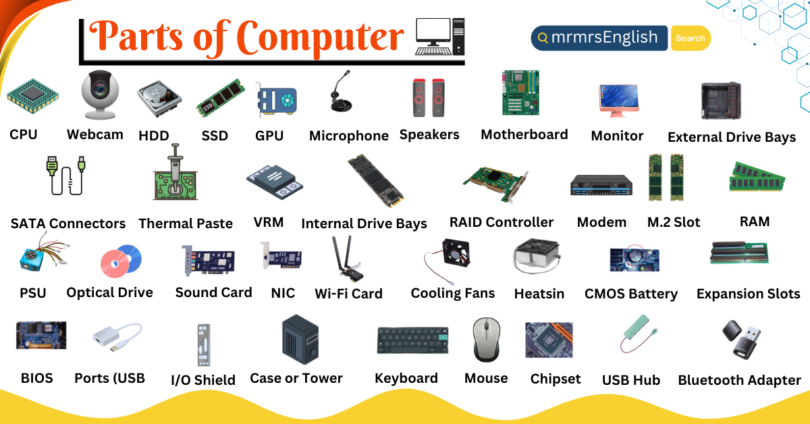
- Central Processing Unit (CPU)
- Webcam
- Hard Drive (HDD)
- Solid State Drive (SSD)
- Graphics Processing Unit (GPU)
- Microphone
- Speakers
- Motherboard
- Monitor
- External Drive Bays
- SATA Connectors
- Thermal Paste
- VRM (Voltage Regulator Module)
- Internal Drive Bays
- RAID Controller
- Modem
- M.2 Slot
- Random Access Memory (RAM)
Parts of Computer Names and Their Pictures
- CPU (Central Processing Unit):
The CPU, also called the processor, is known as the “brain of the computer.” It performs calculations, processes instructions, and controls most computer operations.

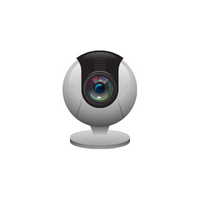
- Webcam
A camera for video conferencing or recording.
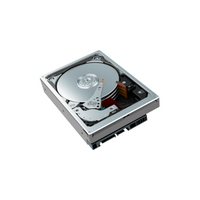
- HDD (Hard Disk Drive):
A storage device using magnetic disks for data storage.
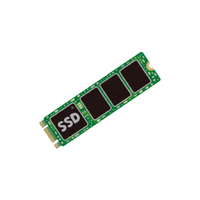
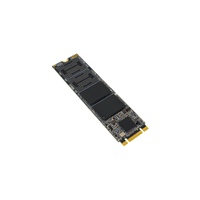
- SSD (Solid State Drive):
An SSD stores data using flash memory and works much faster than an HDD.
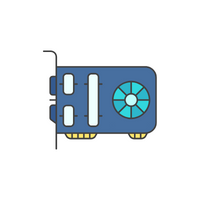
- GPU (Graphics Processing Unit):
The graphics processing unit (GPU) handles images, videos, and gaming graphics.
- Microphone:
An input device for capturing audio.
- Speakers:
Output devices for sound playback.
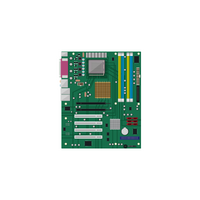
- Motherboard:
The motherboard is the main circuit board that connects all computer components and allows them to communicate. - Monitor:
The monitor displays everything you see on the computer, including text, images, videos, and applications. - External Drive Bays:
Slots for adding external storage drives.
- SATA Connectors
Ports for connecting storage drives.
- Thermal Paste:
Material for heat transfer between the CPU and the heatsink.
- VRM (Voltage Regulator Module):
Regulates voltage for a stable power supply to components.
- Internal Drive Bays:
Slots for internal storage drives.
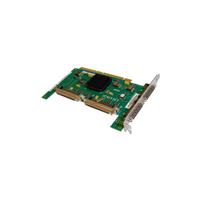
- RAID Controller:
Manages multiple drives for data redundancy or performance.
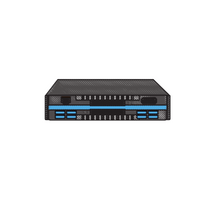
- Modem:
A device for connecting to the internet through a telephone line.
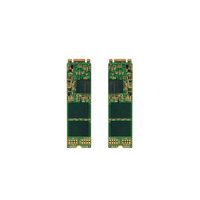
- M.2 Slot:
Connector for high-speed solid-state drives.
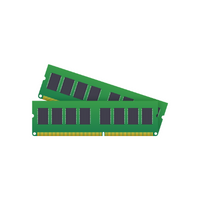
- RAM (Random Access Memory):
RAM temporarily stores data that the computer is currently using. More RAM generally allows a computer to run multiple programs more efficiently.




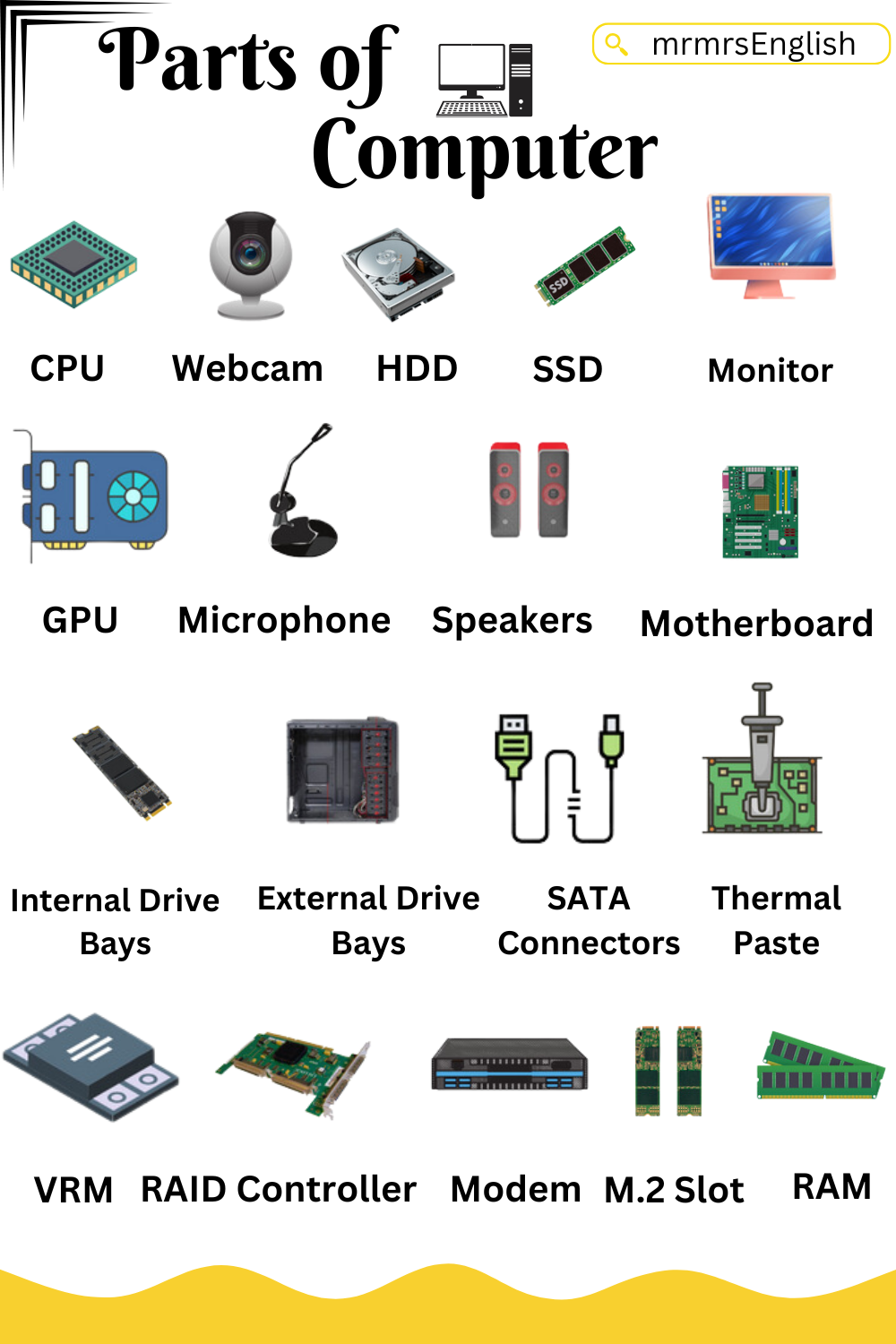
All Computer Parts names in English
18 Parts of a PC
- Power Supply Unit (PSU)
- Optical Drive (CD/DVD/Blu-ray)
- Sound Card
- Network Interface Card (NIC)
- Wi-Fi Card
- Cooling Fans
- Heatsink
- BIOS (Basic Input /Output System)
- CMOS Battery
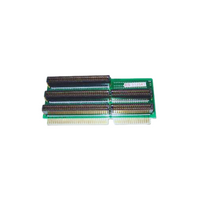
- Expansion Slots
- Ports (USB, HDMI,)
- I/O Shield
- Case or Tower
- Keyboard
- Mouse
- Chipset
- USB Hub
- Bluetooth Adapter
PC Parts Names with Pictures
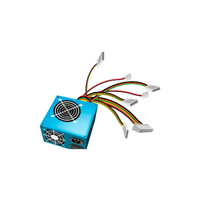
- PSU (Power Supply Unit):
The power supply converts electrical power from the wall outlet into the correct voltage for the computer’s components. - Optical Drive:
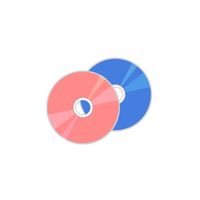
Reads and writes CDs, DVDs, or Blu-ray discs.
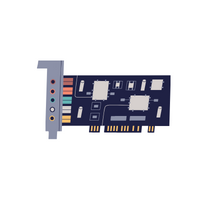
- Sound Card:
Enhances audio quality and features.
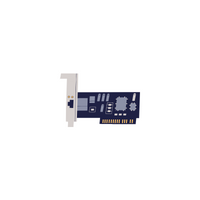
- NIC (Network Interface Card):
Enables network connectivity.
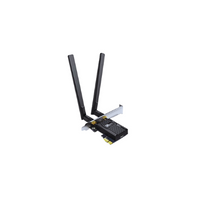
- Wi-Fi Card:
Adds wireless networking capability.
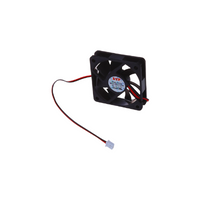
- Cooling Fans:
Keeps components cool to prevent overheating.
- Heatsink:
Dissipates heat from the CPU or GPU.
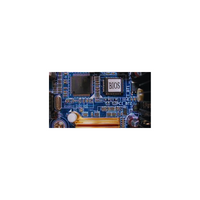
- BIOS (Basic Input /Output System):
Firmware for hardware initialization.
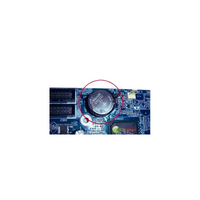
- CMOS Battery:
Powers the motherboard’s BIOS settings.
- Expansion Slots:
Connect additional cards or peripherals to the motherboard.
- Ports (USB, HDMI, etc.):
Interfaces for connecting external devices.
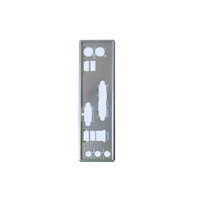
- I/O Shield:
Metal plate for ports on the rear of the motherboard.
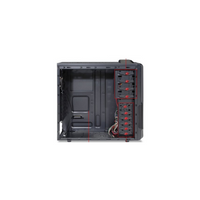
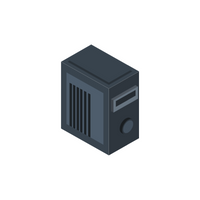
- Case or Tower:
Enclosure for housing all computer components.
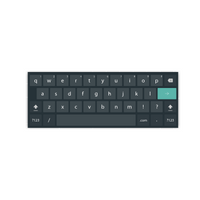
- Keyboard:
A keyboard allows users to type letters, numbers, and commands.
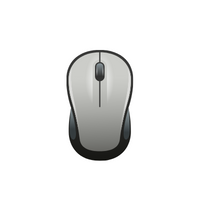
- Mouse:
A mouse controls the pointer, allowing users to click, drag, and select items.
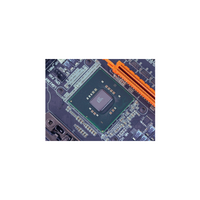
- Chipset:
Manages communication between CPU and other components.
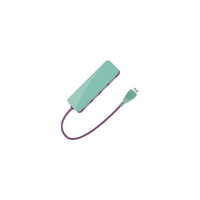
- USB Hub:
Expands USB ports for connecting multiple devices.
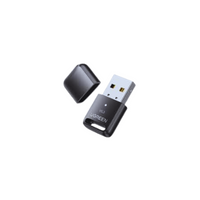
- Bluetooth Adapter:
Adds Bluetooth connectivity to the computer.



Basic part of a Computer with Names and Pictures
Difference Between Hardware and Software
| Hardware | Software |
|---|---|
| Physical parts of a computer | Programs and applications |
| Can be touched | Cannot be touched |
| Examples: Keyboard, Mouse, Monitor | Examples: Windows, Microsoft Word, Chrome |
| Performs physical tasks | Controls hardware and performs digital tasks |
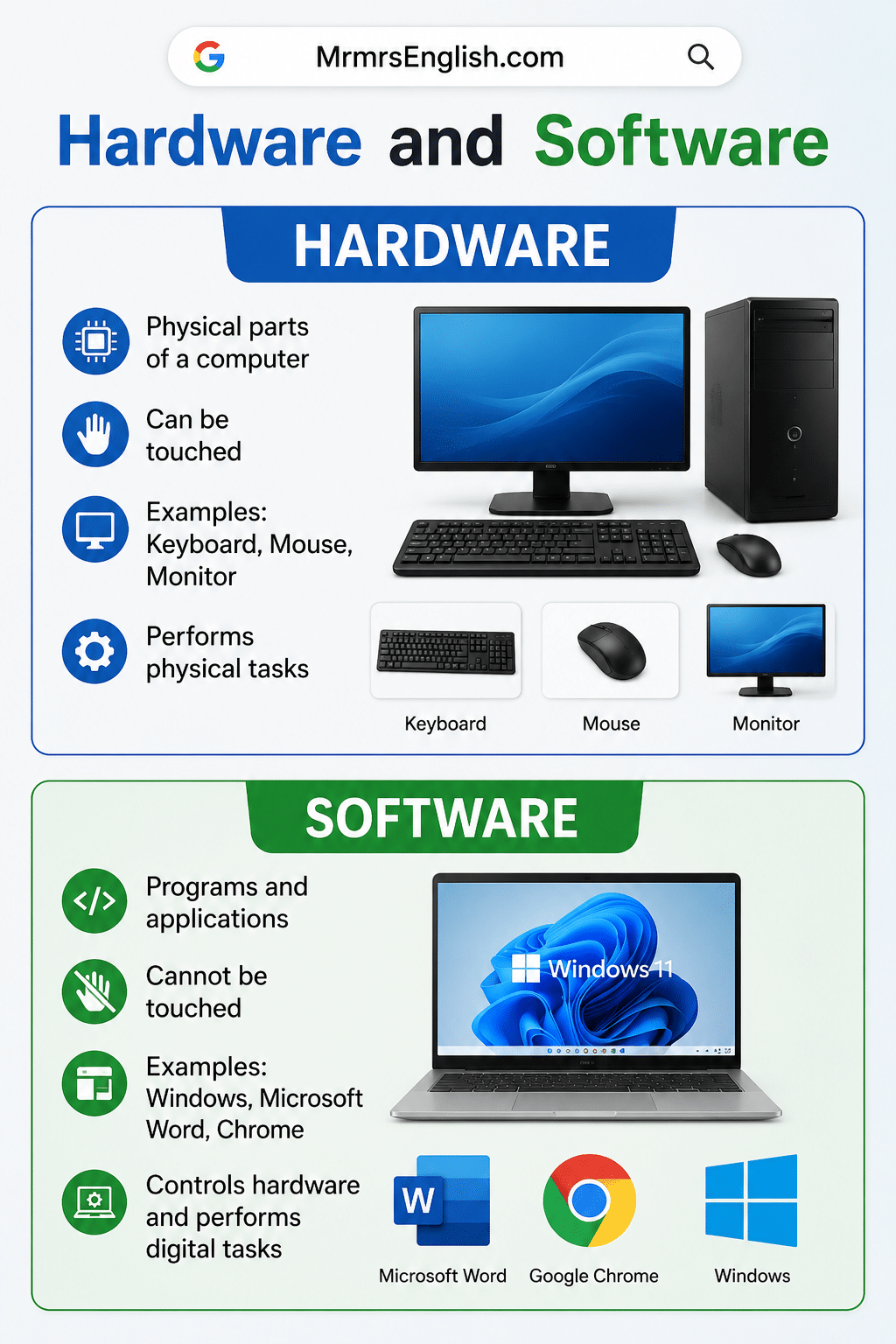
Difference Between Hardware and Software
You May Also Like

Leave a Comment