

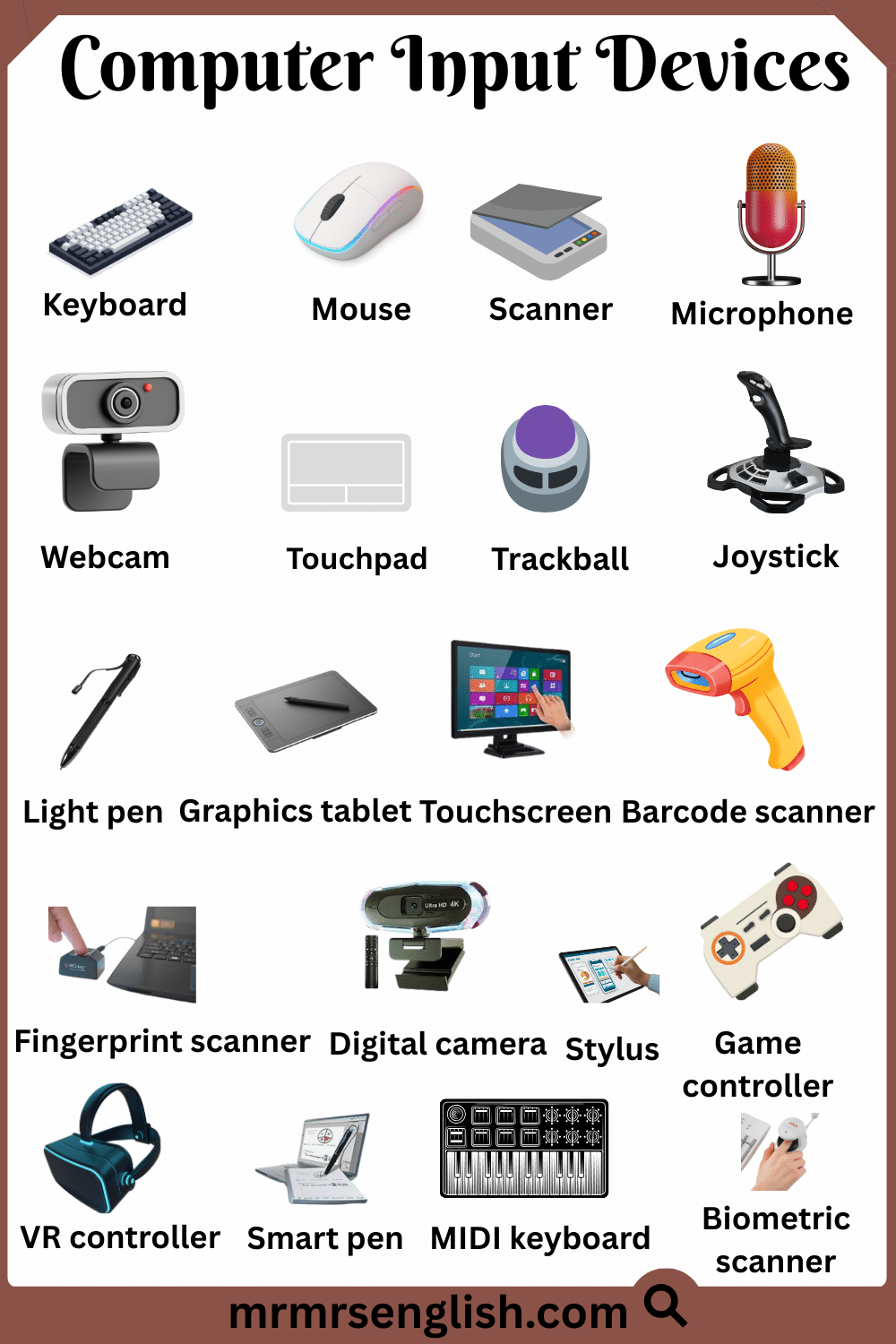
Computers have become a part of our daily life, whether we use them for study, work, or entertainment. To use a computer properly, we need special tools that help us give commands and information to the machine. These tools are called computer input devices. In this article, you will learn the names of computer input devices in English along with their pictures, which will make learning easier and more interesting. This topic is especially helpful for students, beginners, and anyone who wants to understand basic computer knowledge. Each device plays an important role in helping us interact with a computer in a simple and effective way.
Table of Contents
Toggle20 Names of Computer Input Devices in English
- Keyboard
- Mouse
- Scanner
- Microphone
- Webcam
- Touchpad
- Trackball
- Joystick
- Light pen
- Graphics tablet
- Touchscreen
- Barcode scanner
- Fingerprint scanner
- Digital camera
- Stylus
- Game controller
- VR controller
- Smart pen
- MIDI keyboard
- Biometric scanner
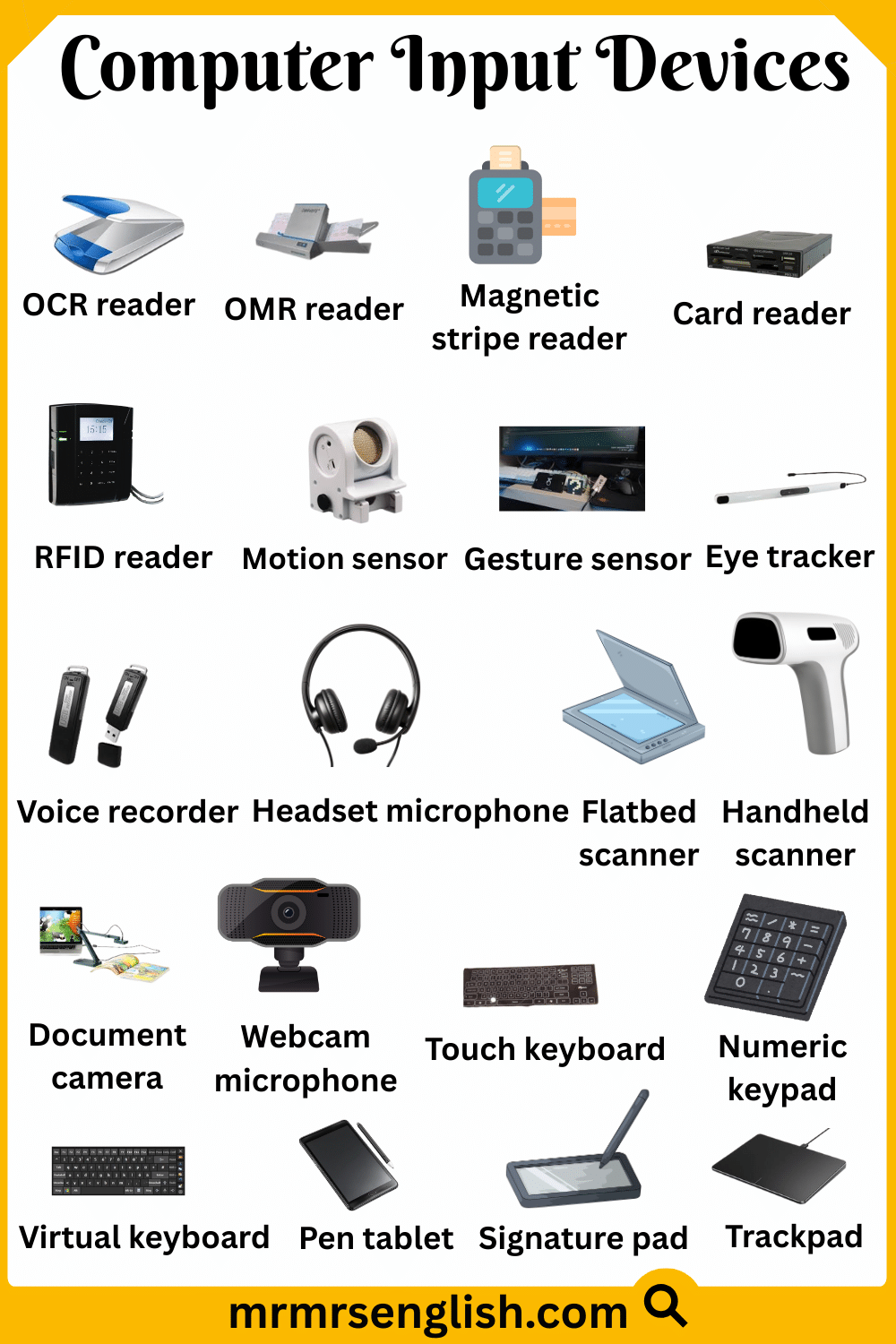
Computer Input Devices Names in English with Their Pictures
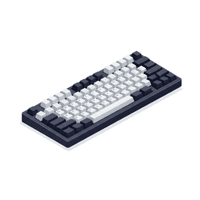
- Keyboard
A keyboard is an input device used to type letters, numbers, and symbols into a computer.

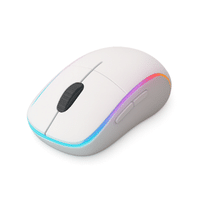
- Mouse
A mouse is a small hand device used to move the pointer and click items on the screen.
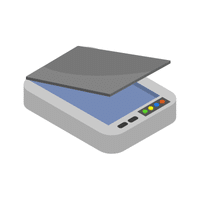
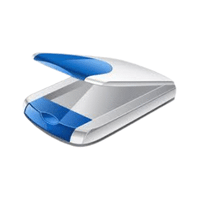
- Scanner
A scanner is used to copy text or images from paper into the computer.
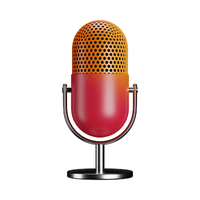
- Microphone
A microphone is used to send sound and voice into the computer.
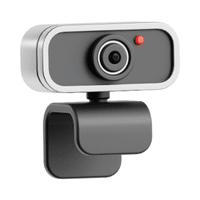
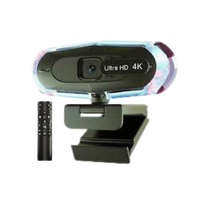
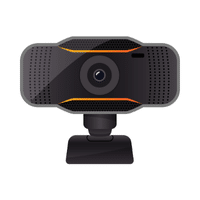
- Webcam
A webcam is a camera that captures live video for online meetings and classes.
- Touchpad
A touchpad lets users move the cursor by sliding a finger on its surface.
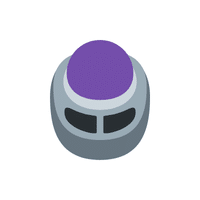
- Trackball
A trackball moves the pointer by rotating a ball with fingers or thumb.
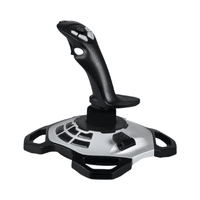
- Joystick
A joystick is mainly used to control movement in games and simulations.
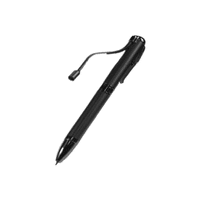
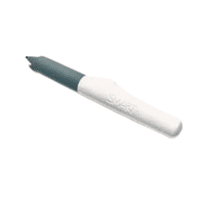
- Light Pen
A light pen is a pen-shaped device used to select or draw directly on the screen.
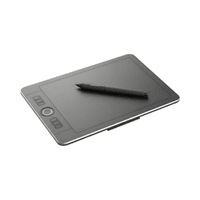
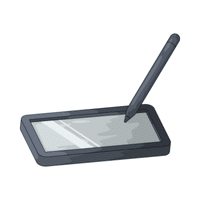
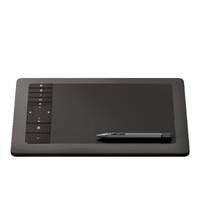
- Graphics Tablet
A graphics tablet allows artists to draw pictures digitally using a special pen.
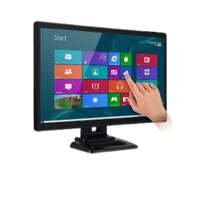
- Touchscreen
A touchscreen accepts input when users touch the screen with fingers.
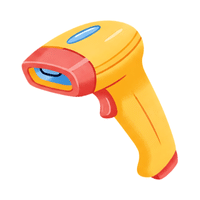
- Barcode Scanner
A barcode scanner reads barcodes to enter product information into a computer.
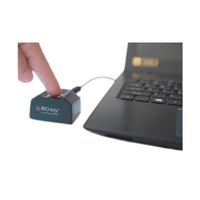
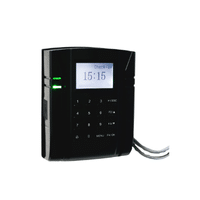
- Fingerprint Scanner
A fingerprint scanner uses finger patterns to identify and verify users.
- Digital Camera
A digital camera captures photos and videos that can be stored on a computer.
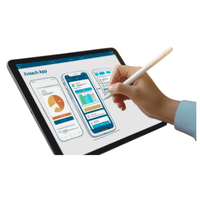
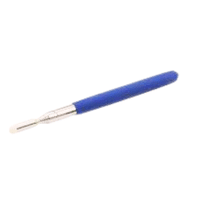
- Stylus
A stylus is a pen-like tool used to write or draw on touchscreens.
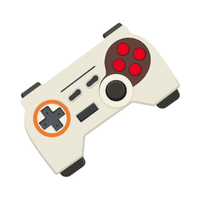
- Game Controller
A game controller helps players control actions while playing video games.
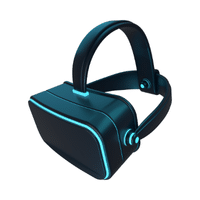
- VR Controller
A VR controller lets users interact with objects in a virtual reality environment.
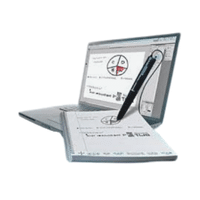
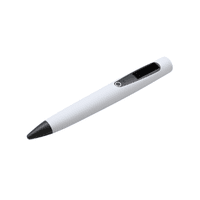
- Smart Pen
A smart pen records handwriting and sends it to a digital device.
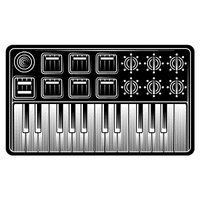
- MIDI Keyboard
A MIDI keyboard sends music signals to a computer for creating digital sounds.
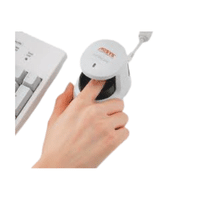
- Biometric Scanner
A biometric scanner uses body features like fingerprints or face data for security.

Computer Input Devices Names in English with Their Pictures
Types of Computer Input Devices with Names in English
- OCR reader
- OMR reader
- Magnetic stripe reader
- Card reader
- RFID reader
- Motion sensor
- Gesture sensor
- Eye tracker
- Voice recorder
- Headset microphone
- Flatbed scanner
- Handheld scanner
- Document camera
- Webcam microphone
- Touch keyboard
- Numeric keypad
- Virtual keyboard
- Pen tablet
- Signature pad
- Trackpad
Common Input Devices Types with Names and Pictures
- OCR Reader
An OCR reader changes printed text from paper or images into editable digital text.
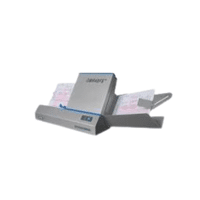
- OMR Reader
An OMR reader detects marked answers on sheets, such as exam or survey forms.
- Magnetic Stripe Reader
A magnetic stripe reader reads data stored on cards by swiping them.
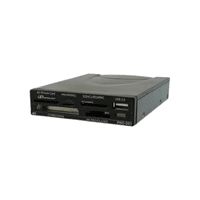
- Card Reader
A card reader takes information from memory or identity cards into a computer.
- RFID Reader
An RFID reader collects data from tags without touching them, using radio waves.
- Motion Sensor
A motion sensor detects physical movement and sends the information to a system.
- Gesture Sensor
A gesture sensor understands hand or body movements as input commands.
- Eye Tracker
An eye tracker follows eye movement to control or study screen interaction.
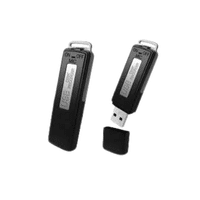
- Voice Recorder
A voice recorder captures sound and saves it in digital form.
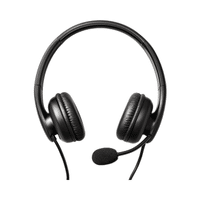
- Headset Microphone
A headset microphone records voice clearly while keeping hands free.
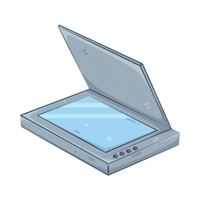
- Flatbed Scanner
A flatbed scanner scans documents placed on a glass surface.
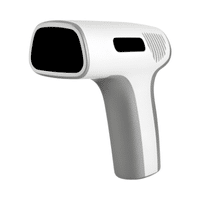
- Handheld Scanner
A handheld scanner is a portable device used to scan documents or codes.
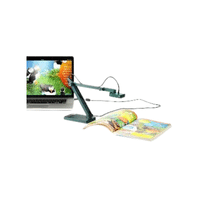
- Document Camera
A document camera shows papers or objects live on a screen.
- Webcam Microphone
A webcam microphone records sound along with video during online use.
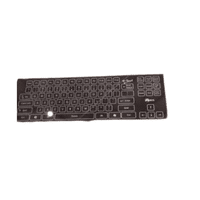
- Touch Keyboard
A touch keyboard appears on a screen and is used by tapping keys.
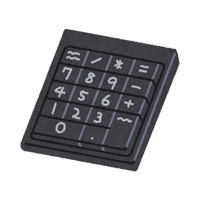
- Numeric Keypad
A numeric keypad is used for fast number input and calculations.
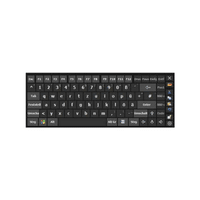
- Virtual Keyboard
A virtual keyboard is a digital keyboard shown on a screen.
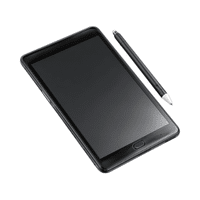
- Pen Tablet
A pen tablet allows users to write or draw digitally using a pen.
- Signature Pad
A signature pad captures handwritten signatures in electronic form.
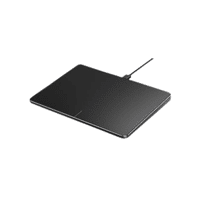
- Trackpad
A trackpad moves the pointer by sensing finger movement on its surface.
Computer Input Devices Names in English with Their Pictures
Names of Computer Input Devices in English
- Touch mouse
- Laser scanner
- 3D scanner
- Gaming mouse
- Wireless keyboard
- Wired keyboard
- Ergonomic mouse
- Braille keyboard
- Braille display
- Sip-and-puff device
- Foot mouse
- Head mouse
- Adaptive keyboard
- Chord keyboard
- Projection keyboard
- Infrared sensor
- Depth sensor
- Leap motion controller
- Digital notebook
- Smart keyboard
List of Computer Input Devices with Types and Names with Images
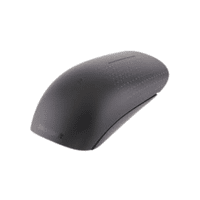
- Touch Mouse
A touch mouse works by touching or swiping its surface instead of clicking buttons.
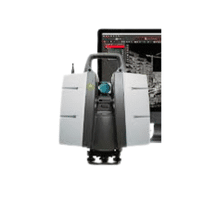
- Laser Scanner
A laser scanner uses laser light to capture detailed information from objects or surfaces.
- 3D Scanner
A 3D scanner creates a digital three-dimensional model of a real object.
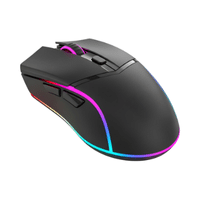
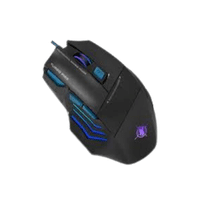
- Gaming Mouse
A gaming mouse is designed for fast movement and accurate control during games.
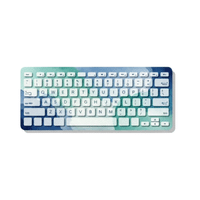
- Wireless Keyboard
A wireless keyboard sends input to the computer without using cables.
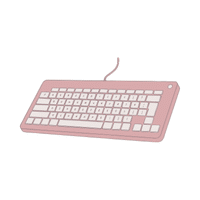
- Wired Keyboard
A wired keyboard connects directly to the computer using a cable.
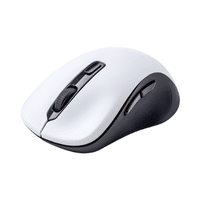
- Ergonomic Mouse
An ergonomic mouse is shaped to reduce hand strain and improve comfort.
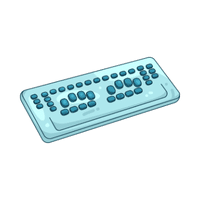
- Braille Keyboard
A Braille keyboard allows visually impaired users to type using raised dots.
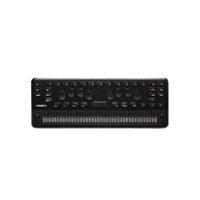
- Braille Display
A Braille display shows screen text as raised Braille characters.
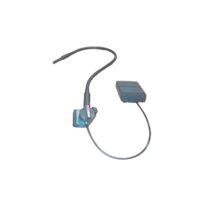
- Sip-and-Puff Device
A sip-and-puff device takes input through breathing actions like sipping or puffing.
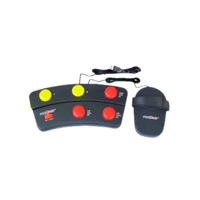
- Foot Mouse
A foot mouse lets users control the cursor using foot movement.
- Head Mouse
A head mouse moves the pointer by tracking head movement.
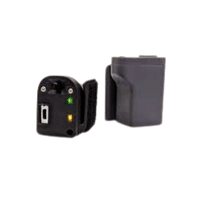
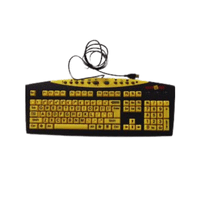
- Adaptive Keyboard
An adaptive keyboard is customized for users with physical difficulties.
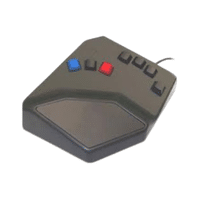
- Chord Keyboard
A chord keyboard types letters by pressing key combinations together.
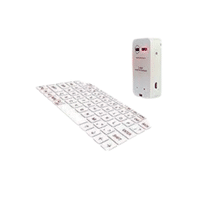
- Projection Keyboard
A projection keyboard displays keys on a surface using light.
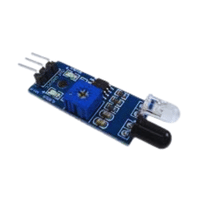
- Infrared Sensor
An infrared sensor detects objects or movement using invisible light.
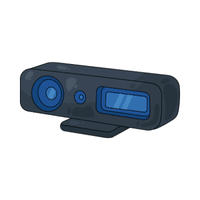
- Depth Sensor
A depth sensor measures distance between the device and objects.
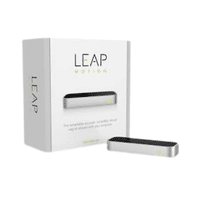
- Leap Motion Controller
A Leap Motion controller tracks hand gestures without touching any device.
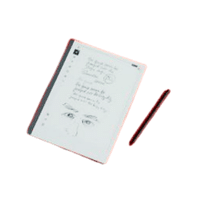
- Digital Notebook
A digital notebook records handwritten notes electronically.
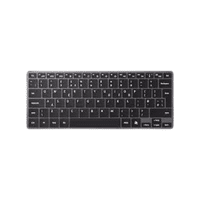
- Smart Keyboard
A smart keyboard offers advanced features like shortcuts and device connection.

List of Computer Input Devices with Types and Names with Images
Learn Computer Input Devices Names in English
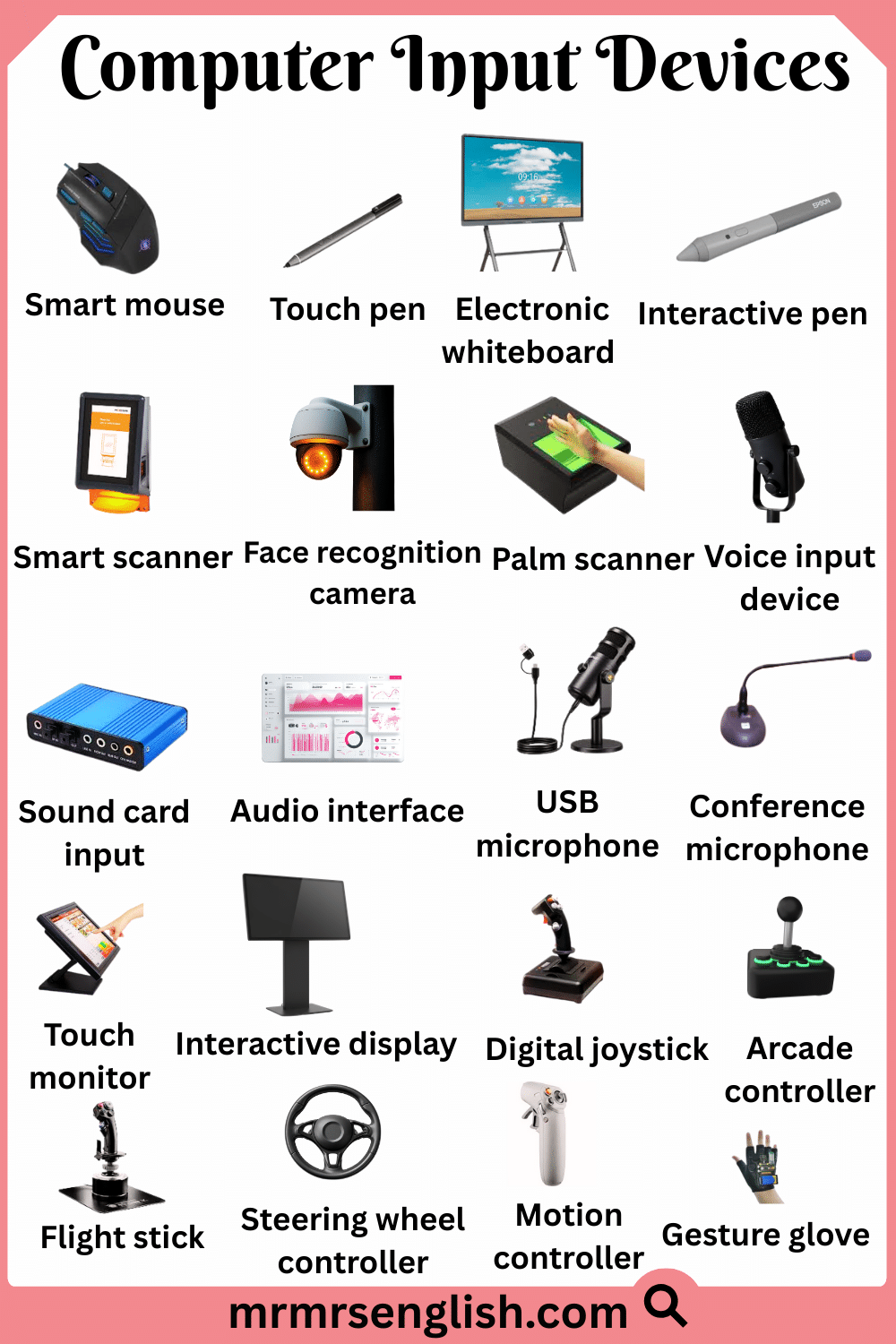
- Smart mouse
- Touch pen
- Electronic whiteboard
- Interactive pen
- Smart scanner
- Face recognition camera
- Palm scanner
- Voice input device
- Sound card input
- Audio interface
- USB microphone
- Conference microphone
- Touch monitor
- Interactive display
- Digital joystick
- Arcade controller
- Flight stick
- Steering wheel controller
- Motion controller
- Gesture glove
Different Types of Computer Input Devices with Names and Pictures
- Smart Mouse
A smart mouse offers extra features like touch controls and better tracking.
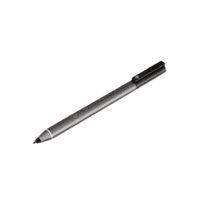
- Touch Pen
A touch pen is used to write or select items on touchscreens.
- Electronic Whiteboard
An electronic whiteboard allows writing and drawing digitally during lessons.
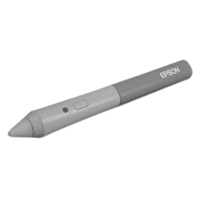
- Interactive Pen
An interactive pen lets users control and write on digital screens.
- Smart Scanner
A smart scanner quickly scans documents and improves image quality automatically.
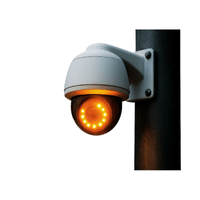
- Face Recognition Camera
A face recognition camera identifies users by scanning their facial features.
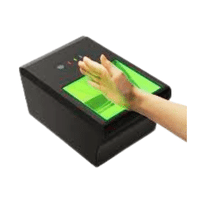
- Palm Scanner
A palm scanner reads palm patterns for secure user identification.
- Voice Input Device
A voice input device converts spoken words into computer commands.
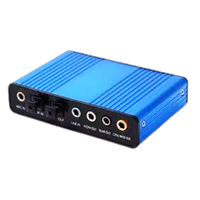
- Sound Card Input
A sound card input receives audio signals from microphones or instruments.
- Audio Interface
An audio interface connects sound devices to a computer for recording.
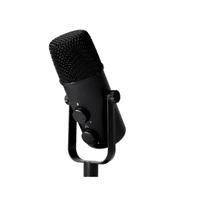
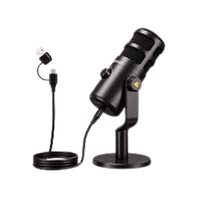
- USB Microphone
A USB microphone plugs directly into a computer to record clear sound.
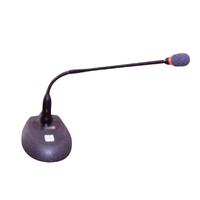
- Conference Microphone
A conference microphone captures voices from multiple people in a room.
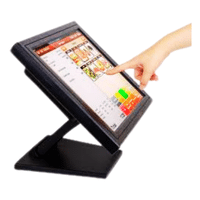
- Touch Monitor
A touch monitor allows users to control the computer by touching the screen.
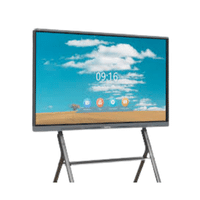
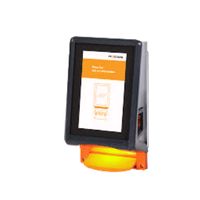
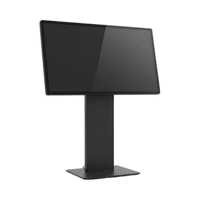
- Interactive Display
An interactive display supports touch and pen input for presentations.
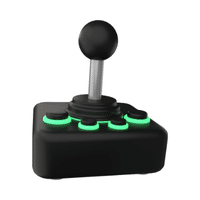
- Digital Joystick
A digital joystick controls movement using electronic signals.
- Arcade Controller
An arcade controller is used to play classic-style video games.
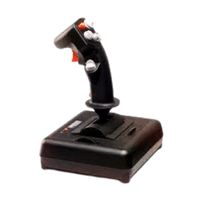
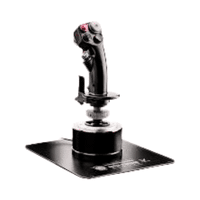
- Flight Stick
A flight stick controls aircraft movement in flight simulation games.
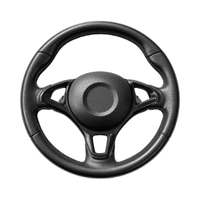
- Steering Wheel Controller
A steering wheel controller is used for driving and racing games.
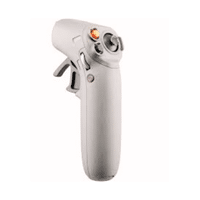
- Motion Controller
A motion controller tracks body or hand movement as input.
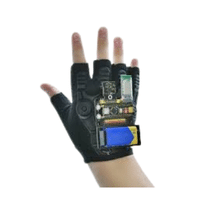
- Gesture Glove
A gesture glove detects hand gestures to control digital actions.
Different Types of Computer Input Devices with Names and Pictures
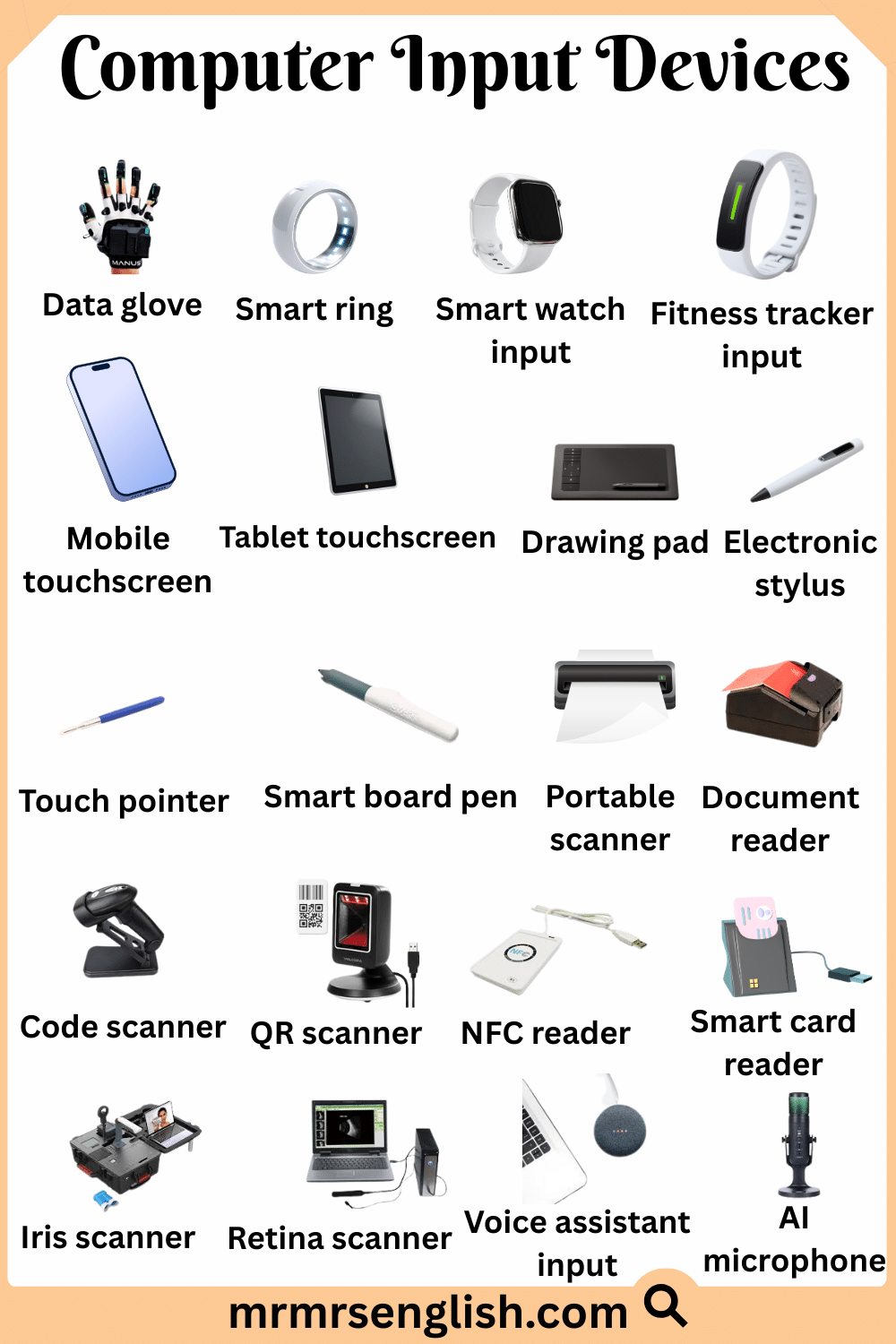
Popular Computer Input Devices Names with Types and Images
- Data glove
- Smart ring
- Smart watch input
- Fitness tracker input
- Mobile touchscreen
- Tablet touchscreen
- Drawing pad
- Electronic stylus
- Touch pointer
- Smart board pen
- Portable scanner
- Document reader
- Code scanner
- QR scanner
- NFC reader
- Smart card reader
- Iris scanner
- Retina scanner
- Voice assistant input
- AI microphone
Most Common Computer Input Devices Types with Names and Pictures
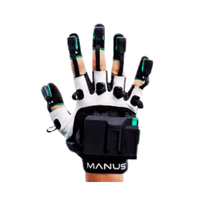
- Data Glove
A data glove captures hand and finger movements as digital input.
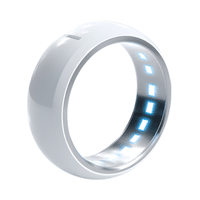
- Smart Ring
A smart ring sends simple commands through touch or motion sensors.
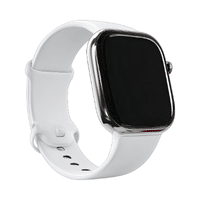
- Smart Watch Input
A smart watch input allows users to give commands using taps or gestures.
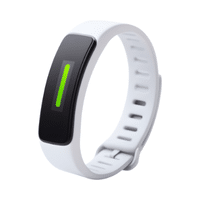
- Fitness Tracker Input
A fitness tracker input collects movement and activity data for a system.
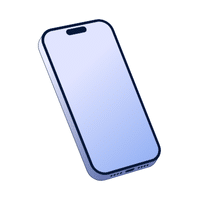
- Mobile Touchscreen
A mobile touchscreen accepts input by tapping or swiping the screen.
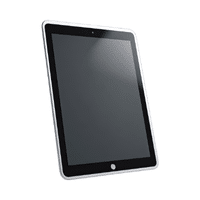
- Tablet Touchscreen
A tablet touchscreen allows users to interact directly with fingers or a pen.
- Drawing Pad
A drawing pad is used to create digital art by hand movement.
- Electronic Stylus
An electronic stylus helps write or draw accurately on digital screens.
- Touch Pointer
A touch pointer is used to select items on touch-based displays.
- Smart Board Pen
A smart board pen writes and controls content on interactive boards.
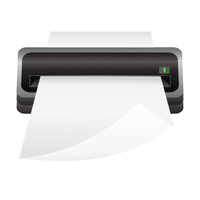
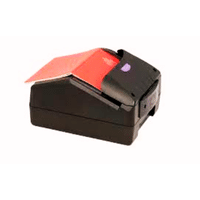
- Portable Scanner
A portable scanner scans documents easily while being moved.
- Document Reader
A document reader reads printed text and sends it to a computer.
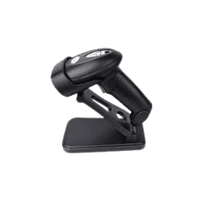
- Code Scanner
A code scanner reads coded information for quick data entry.
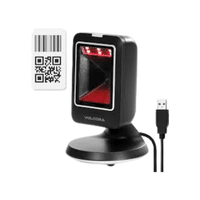
- QR Scanner
A QR scanner reads square codes to open digital information.
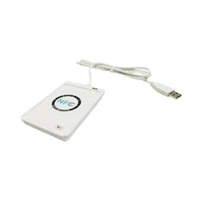
- NFC Reader
An NFC reader exchanges data with nearby devices without contact.
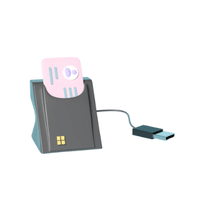
- Smart Card Reader
A smart card reader reads secure data stored on smart cards.
- Iris Scanner
An iris scanner identifies users by scanning eye patterns.
- Retina Scanner
A retina scanner verifies identity using blood patterns in the eye.
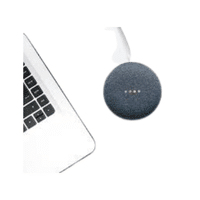
- Voice Assistant Input
A voice assistant input allows users to control devices using speech.
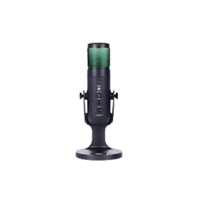
- AI Microphone
An AI microphone captures voice and reduces background noise intelligently.
Most Common Computer Input Devices Types with Names and Pictures




Leave a Comment