
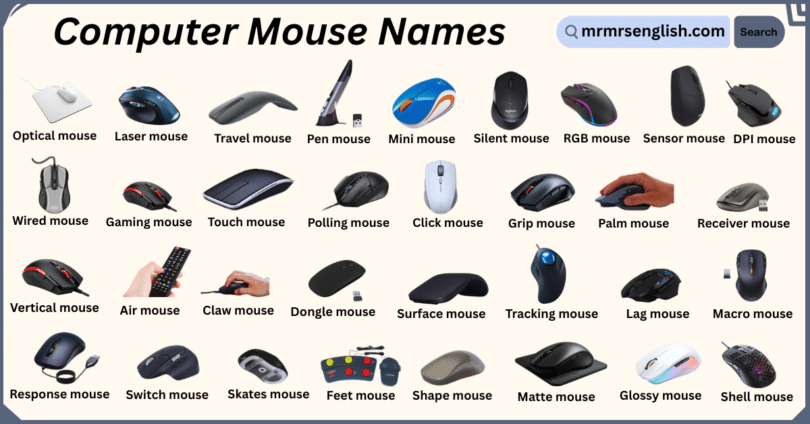
Computers have become a part of our daily lives, and using them comfortably depends a lot on the tools we choose. One small but very important device is the computer mouse, which helps us click, scroll, and move around the screen with ease. Many people are surprised to learn that there are several kinds of mice, each designed for different needs such as gaming, office work, or simple home use. In this article, you will learn Different Types of Computer Mouse Names with Pictures, making it easier to recognize them and understand where each one is commonly used.
Table of Contents
Toggle20 Names of Computer Mouse in English
- Optical mouse
- Laser mouse
- Mechanical mouse
- Wireless mouse
- Wired mouse
- Bluetooth mouse
- Trackball mouse
- Ergonomic mouse
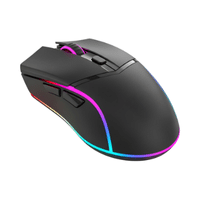
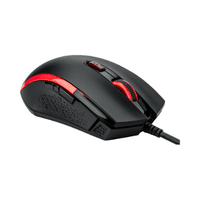
- Gaming mouse
- Vertical mouse
- Touch mouse
- Air mouse
- Pen mouse
- Gyroscopic mouse
- Travel mouse
- Mini mouse
- Silent mouse
- Rechargeable mouse
- Ambidextrous mouse
- Programmable mouse
Different Types of Computer Mouse with Names and Pictures
- Optical mouse
A mouse that uses a light sensor to detect movement. Works well on most surfaces.

- Laser mouse
Uses a laser sensor for very precise and smooth tracking, even on shiny surfaces.
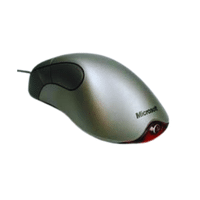
- Mechanical mouse
An older type with a rubber ball inside. Moves the cursor when the ball rolls.
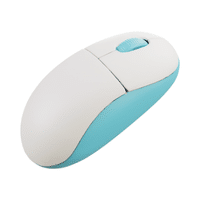
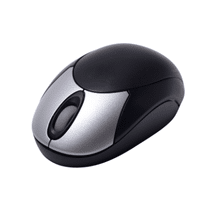
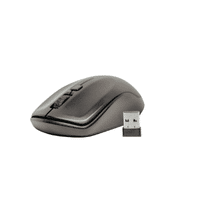
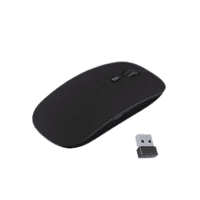
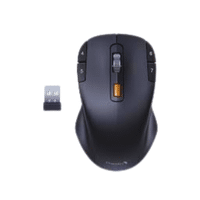
- Wireless mouse
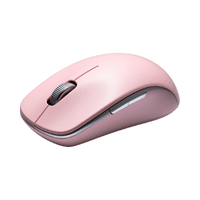
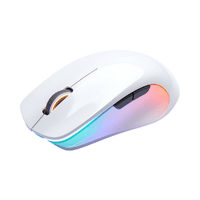
Works without a cable. Connects using a USB receiver or radio signal.
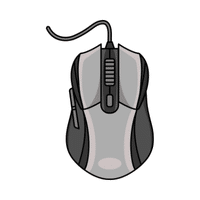
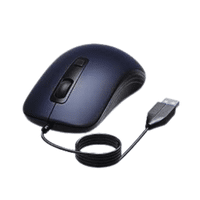
- Wired mouse
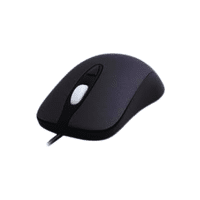
Connected to the computer with a cable. Reliable and doesn’t need batteries.
- Bluetooth mouse
Connects to a device using Bluetooth. No USB receiver needed.
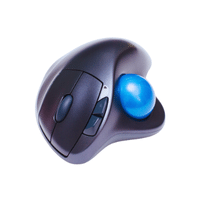
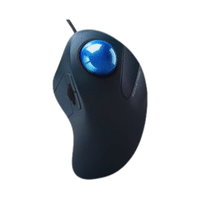
- Trackball mouse
Has a ball on top or side that you roll with fingers to move the cursor.
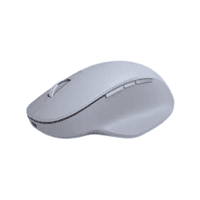
- Ergonomic mouse
Specially shaped to fit the hand comfortably. Reduces wrist and hand strain.
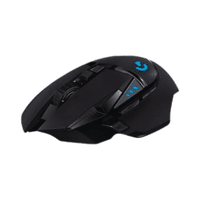
- Gaming mouse
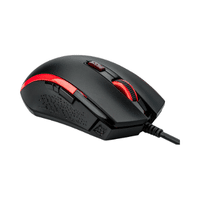
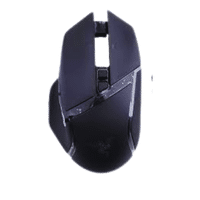
Designed for gamers. High speed, extra buttons, and precise tracking.
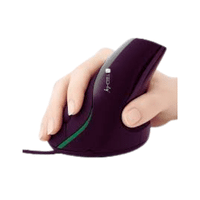
- Vertical mouse
Positioned vertically to keep the hand in a natural posture. Reduces wrist strain.
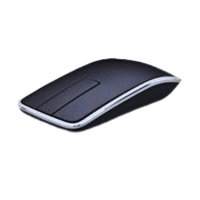
- Touch mouse
Allows gestures like swipe and scroll on the mouse surface instead of traditional buttons.
- Air mouse
Works in the air without a flat surface. Movement is detected in three dimensions.
- Pen mouse
Shaped like a pen. Often used for drawing, writing, or design tasks.
- Gyroscopic mouse
Uses motion sensors to detect movement when tilted or rotated.
- Travel mouse
Small and lightweight. Easy to carry and use on the go.
- Mini mouse
Compact version of a mouse. Fits small hands and is convenient for laptops.
- Silent mouse
Has quiet buttons that reduce clicking noise. Ideal for libraries or offices.
- Rechargeable mouse
Built-in battery that can be recharged instead of replaced.
- Ambidextrous mouse
Can be used comfortably by both left-handed and right-handed people.
- Programmable mouse
Buttons can be customized for specific tasks or shortcuts.
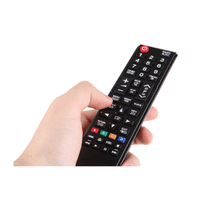
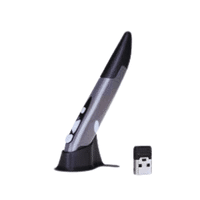
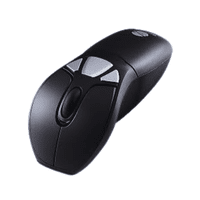
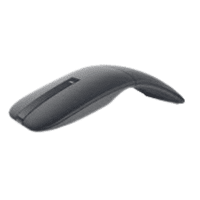
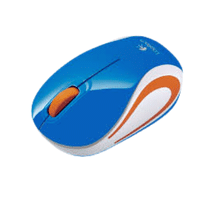
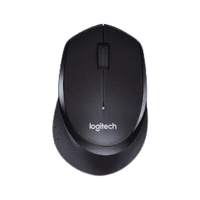
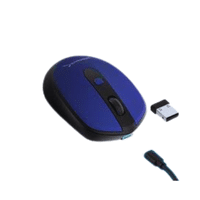
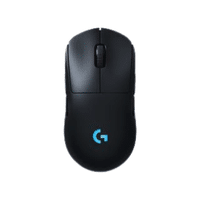
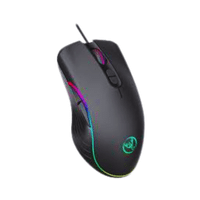
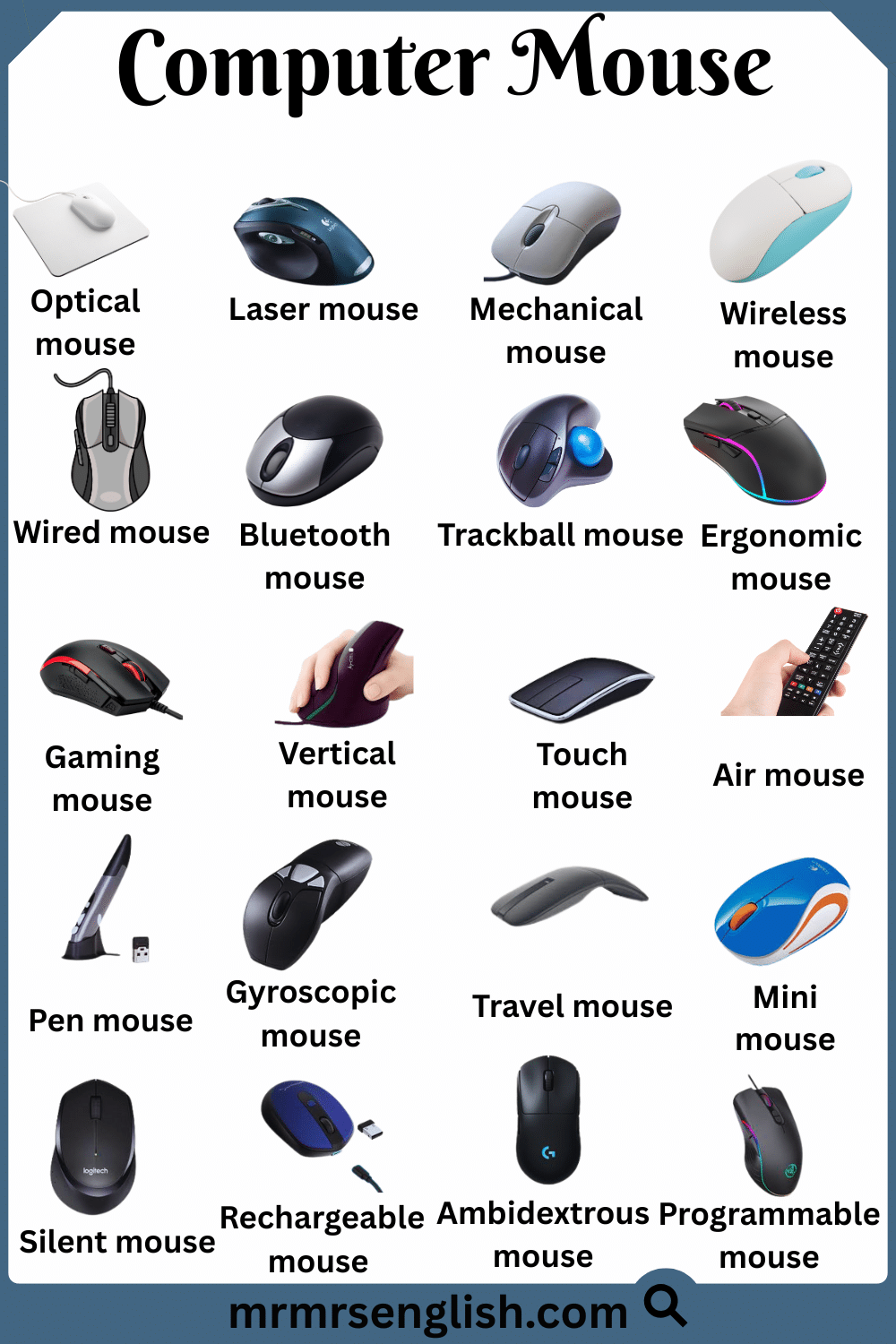
Different Types of Computer Mouse with Names and Pictures
Types of Computer Mouse with Names in English
- RGB mouse
- Scrollwheel mouse
- Sensor mouse
- DPI mouse
- Polling mouse
- Click mouse
- Leftbutton mouse
- Rightbutton mouse
- Middlebutton mouse
- Sidebutton mouse
- Grip mouse
- Palm mouse
- Claw mouse
- Fingertip mouse
- Receiver mouse
- Dongle mouse
- Surface mouse
- Precision mouse
- Acceleration mouse
- Tracking mouse
List of Mouse with Names and Pictures
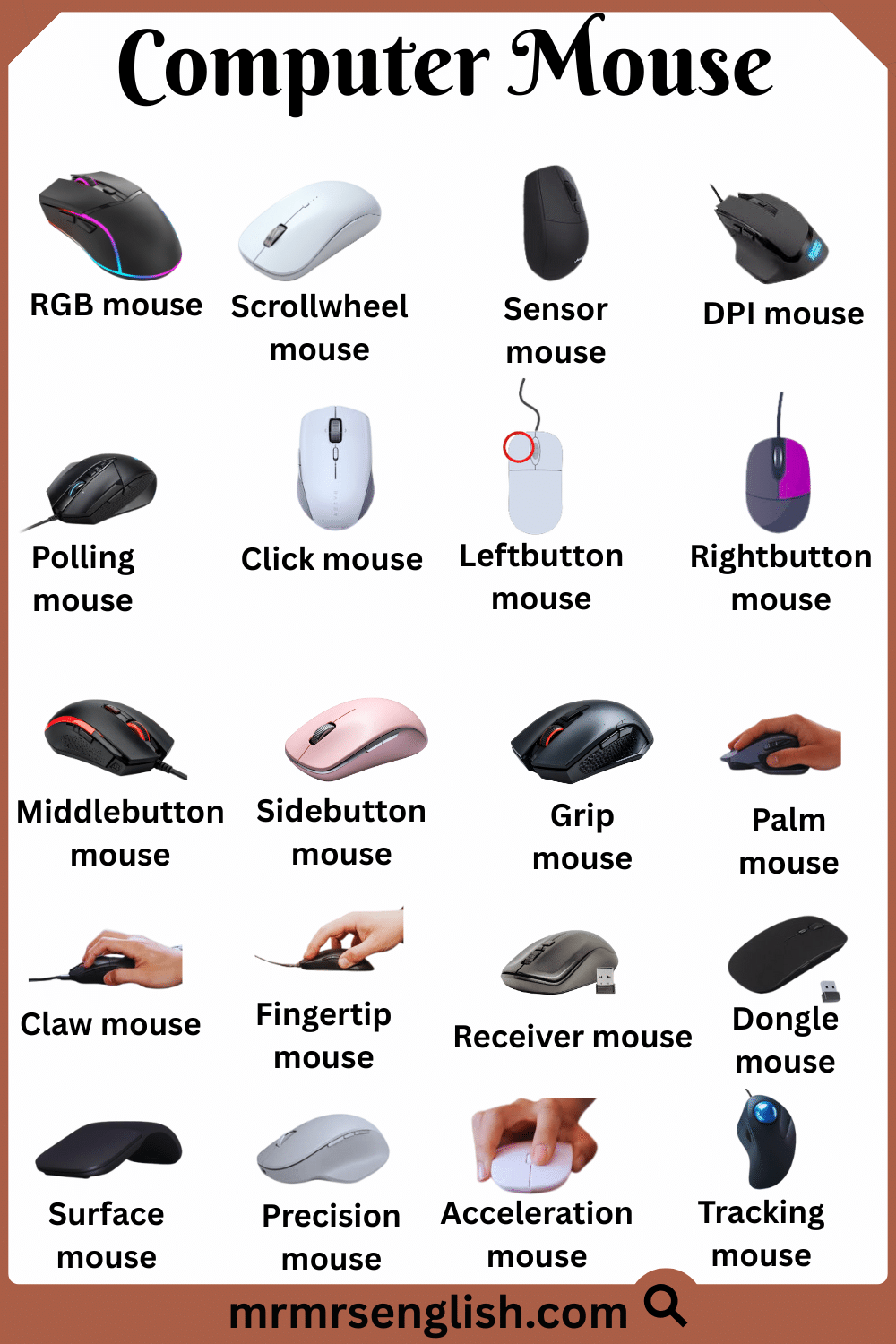
- RGB mouse
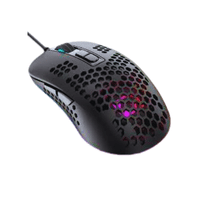
Color lights on a mouse that can change. Often used for style or to show settings.
- Scrollwheel mouse
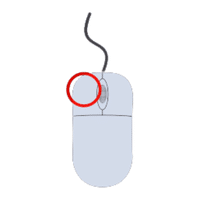
A small wheel in the middle of the mouse used to scroll up and down on a screen.
- Sensor mouse
The part of the mouse that detects movement and sends it to the computer.
- DPI mouse
Stands for “dots per inch.” Determines how fast the cursor moves relative to hand movement.
- Polling mouse
How often the mouse sends its position to the computer. Higher polling gives smoother motion.
- Click mouse
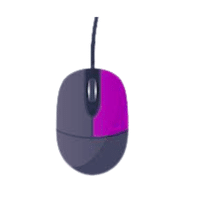
Pressing a mouse button to select or open something on the screen.
- Leftbutton mouse
Main button used for selecting, clicking, and dragging items.
- Rightbutton mouse
Opens menus and options when clicked, usually on the right side.
- Middlebutton mouse
Often the scroll wheel button. Can be used for special actions or shortcuts.
- Sidebutton mouse
Extra buttons on the side of a mouse, usually for navigation or gaming commands.
- Grip mouse
The way you hold the mouse. Can affect comfort and control.
- Palm mouse
A grip style where the whole hand rests on the mouse. Comfortable for long use.
- Claw mouse
A grip style where fingers arch and only fingertips touch the mouse. Offers fast movement.
- Fingertip mouse
Grip style using only fingertips. Provides precision but less support.
- Receiver mouse
The small USB device that connects a wireless mouse to the computer.
- Dongle mouse
Another term for the wireless USB receiver used to link the mouse.
- Surface mouse
The desk, mousepad, or area where the mouse moves. Affects tracking quality.
- Precision mouse
How accurately the mouse follows your hand movements. Important for gaming and design.
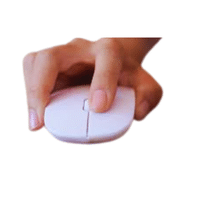
- Acceleration mouse
How fast the cursor speed changes based on how quickly you move the mouse.
- Tracking mouse
The mouse’s ability to follow movement smoothly and correctly on a surface.
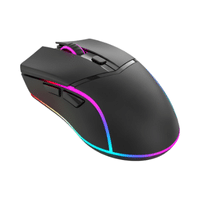
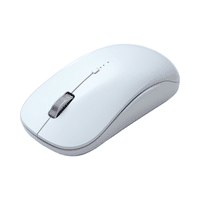
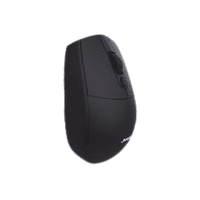
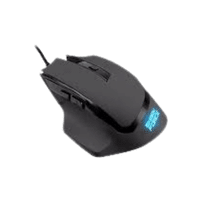
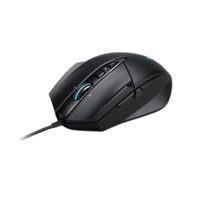
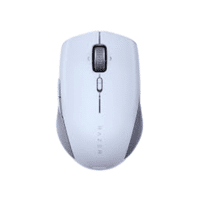
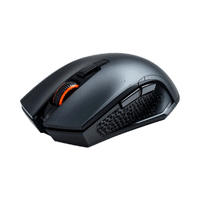
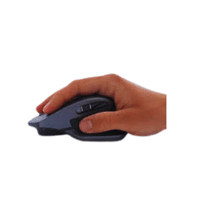
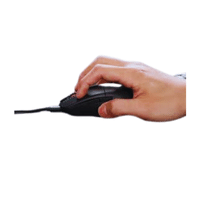
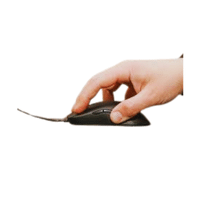
List of Mouse with Names and Pictures
Learn Types and Names of Mouse in English
- Lag mouse
- Response mouse
- Accuracy mouse
- Customization mouse
- Macro mouse
- Switch mouse
- Skates mouse
- Feet mouse
- Weight mouse
- Balance mouse
- Shape mouse
- Texture mouse
- Matte mouse
- Glossy mouse
- Rubberized mouse
- Shell mouse
- Housing mouse
- Cable mouse
- Braided mouse
- Flexibility mouse
Common Types and Names of Mouse with Images
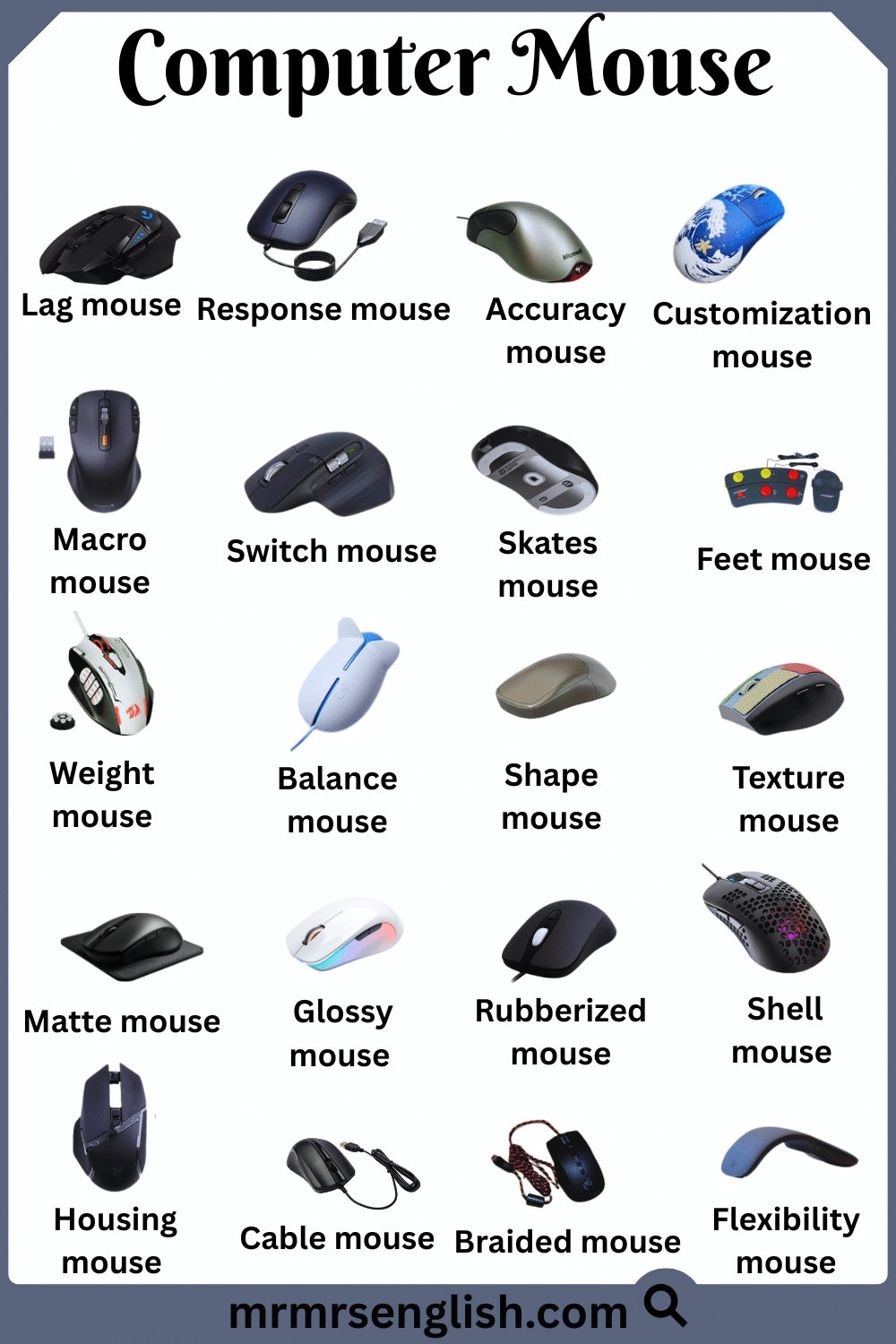
- Lag mouse
The delay between a user’s action and the device’s response, often noticeable in gaming or software.
- Response mouse
How quickly a device reacts to an input or command.
- Accuracy mouse
The ability to perform actions or register movements exactly as intended, without mistakes.
- Customization mouse
Changing a device or software to match personal preferences or needs.
- Macro mouse
A set of commands that can be executed with a single button press.
- Switch mouse
The mechanism that detects when a key or button is pressed and sends a signal.
- Skates mouse
Small pads under a device that help it move smoothly over a surface.
- Feet mouse
The contact points under a device that affect sliding and stability.
- Weight mouse
How heavy a device is, affecting control, comfort, and performance.
- Balance mouse
How the weight of a device is distributed for stable and easy handling.
- Shape mouse
The design or form of a device that impacts grip and comfort.
- Texture mouse
The feel of a device’s surface, like smooth, rough, or patterned, affecting grip.
- Matte mouse
A non-shiny surface that reduces glare and fingerprints.
- Glossy mouse
A shiny surface finish that reflects light but may show fingerprints.
- Rubberized mouse
A coating that improves grip and gives a soft-touch feel.
- Shell mouse
The outer casing of a device that protects its internal components.
- Housing mouse
The structure that securely holds the internal parts of a device.
- Cable mouse
A wire that connects a device to power or data for communication or charging.
- Braided mouse
A cable covered with woven fibers to make it stronger and prevent tangling.
- Flexibility mouse
The ability of a device or cable to bend or move without breaking.
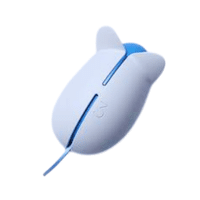
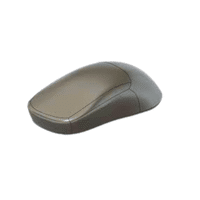
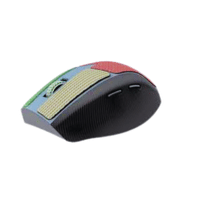
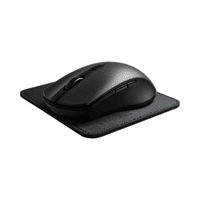
Common Types and Names of Mouse with Images
Learn more Helpful Articles




Leave a Comment